A cluttered desk creates mental clutter. I know this sounds like something a productivity guru would say, but it’s genuinely true. When your desk is chaotic, finding what you need takes longer, starting work feels harder, and the visual mess creates low-level stress you don’t even realize you’re carrying.
I’ve gone from “pile everything on the desk until I can’t see the surface” to actually having a functional workspace, and the difference in how I feel about working is significant. Let me show you how to organize your desk in ways that actually stick.
The Clear Desk Philosophy
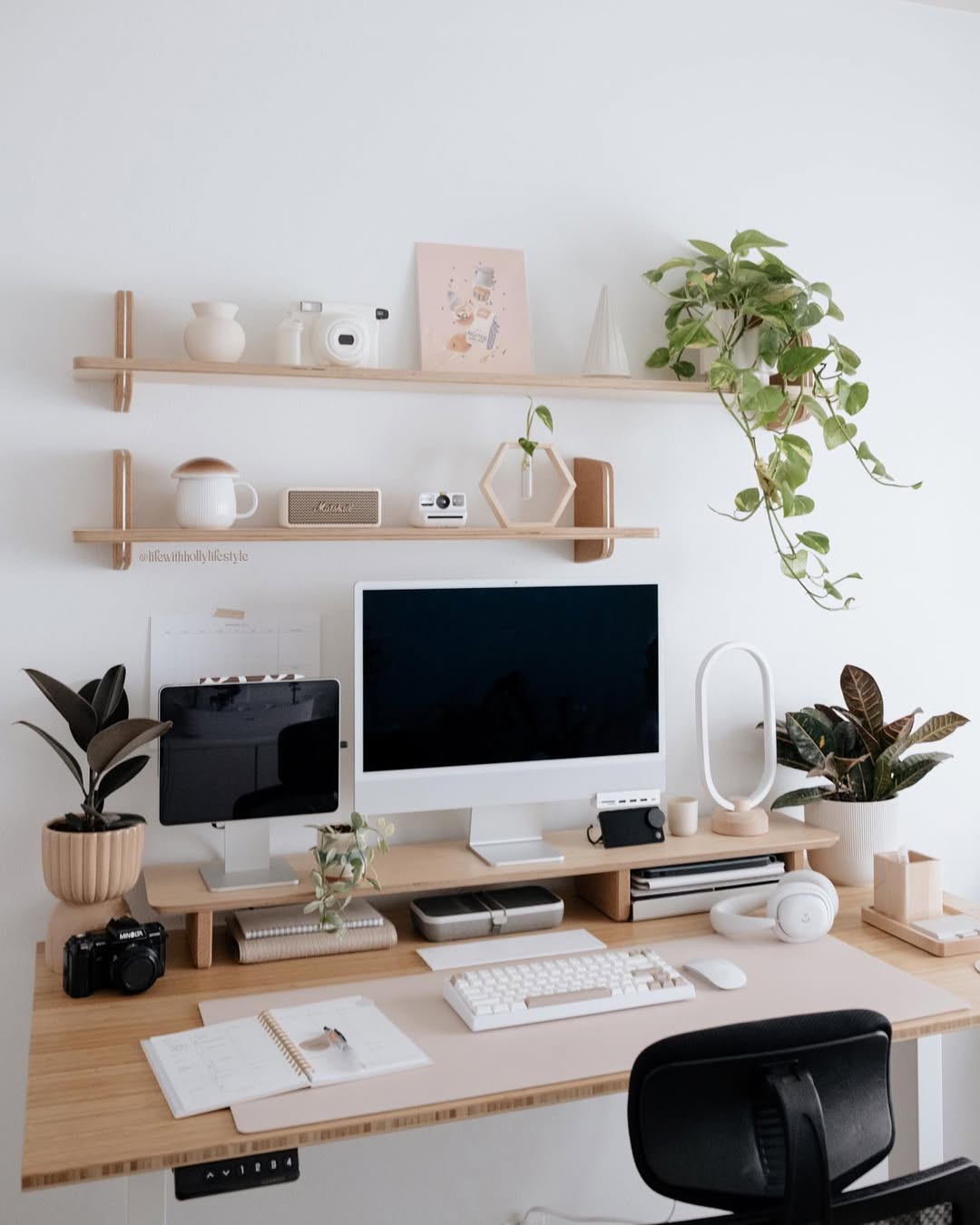
Not everyone needs or wants a completely clear desk, but the principle holds: every item on your desk should earn its place by being used regularly or serving a specific purpose. If it’s just there because you haven’t found another home for it, that’s clutter.
The goal is creating workspace you can actually use without moving a pile of stuff first.
Desk Drawers Done Right
Drawer dividers are non-negotiable for functional organization. They prevent the junk drawer situation where everything becomes mixed together. Create zones for different categories like writing tools, office supplies, tech accessories, and personal items.
Use small containers or organizers within drawers for tiny items like paper clips, thumb tacks, and binder clips. Keep most-used items in the top drawer and less-used items in lower drawers. Label drawers if you have multiple to maintain the system.
A well-organized drawer system means you can find what you need in seconds rather than excavating through layers.
Desktop Surface Organization
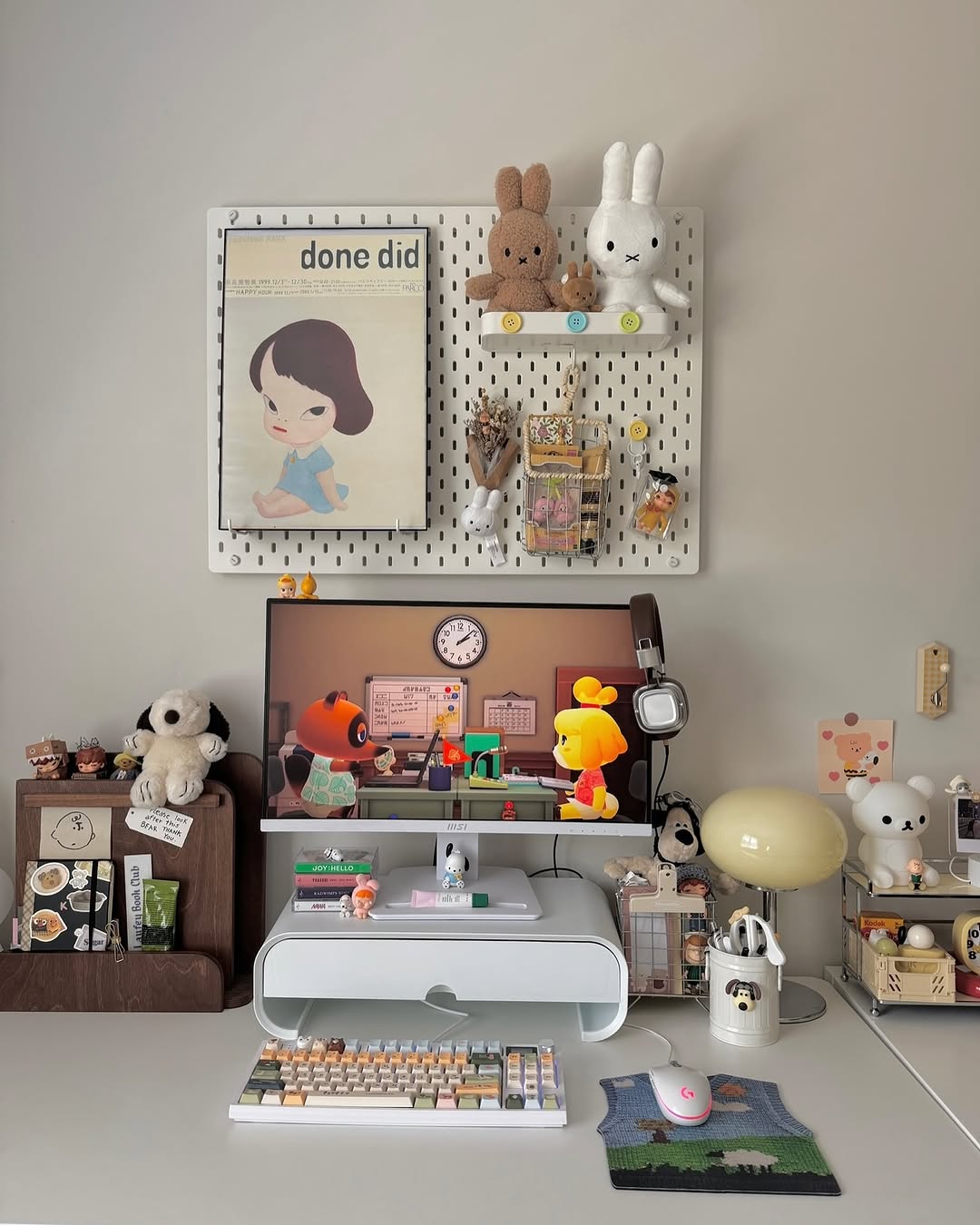
The less on your desktop, the more workspace you have. Keep only items you use multiple times daily on the surface. A pen holder with your most-used pens and pencils stays accessible. One notebook or notepad for quick notes. Maybe a desk organizer with a few compartments for immediate essentials.
Everything else should be in drawers, on shelves, or off the desk entirely. Resist the urge to let things accumulate on the surface.
I keep three pens in a cup, one notebook, and my laptop on my desk surface. That’s it. Everything else lives in drawers or on the shelf above.
Cable Management Solutions
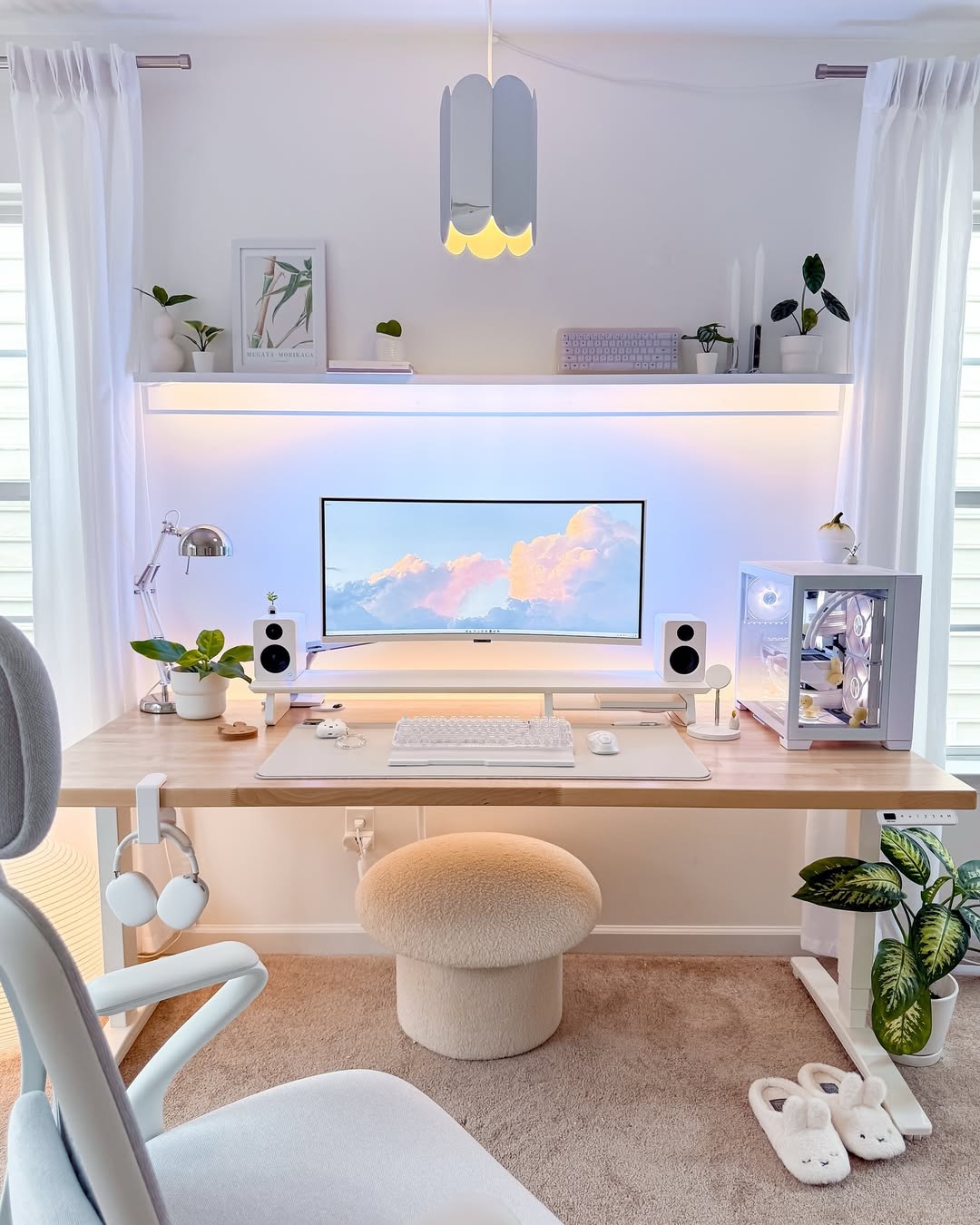
Cable chaos is one of the biggest desk organization issues. Cable clips attach to your desk edge and hold cables at the ready. Cable sleeves bundle multiple cords together for a cleaner look. Velcro ties keep unused cable length controlled. Label cables so you know what’s what.
Mount power strips under your desk to hide them while keeping outlets accessible. Use a cable management box to hide power strips and excess cables.
Good cable management makes cleaning easier and prevents the tangled nest situation.
Vertical Space Utilization
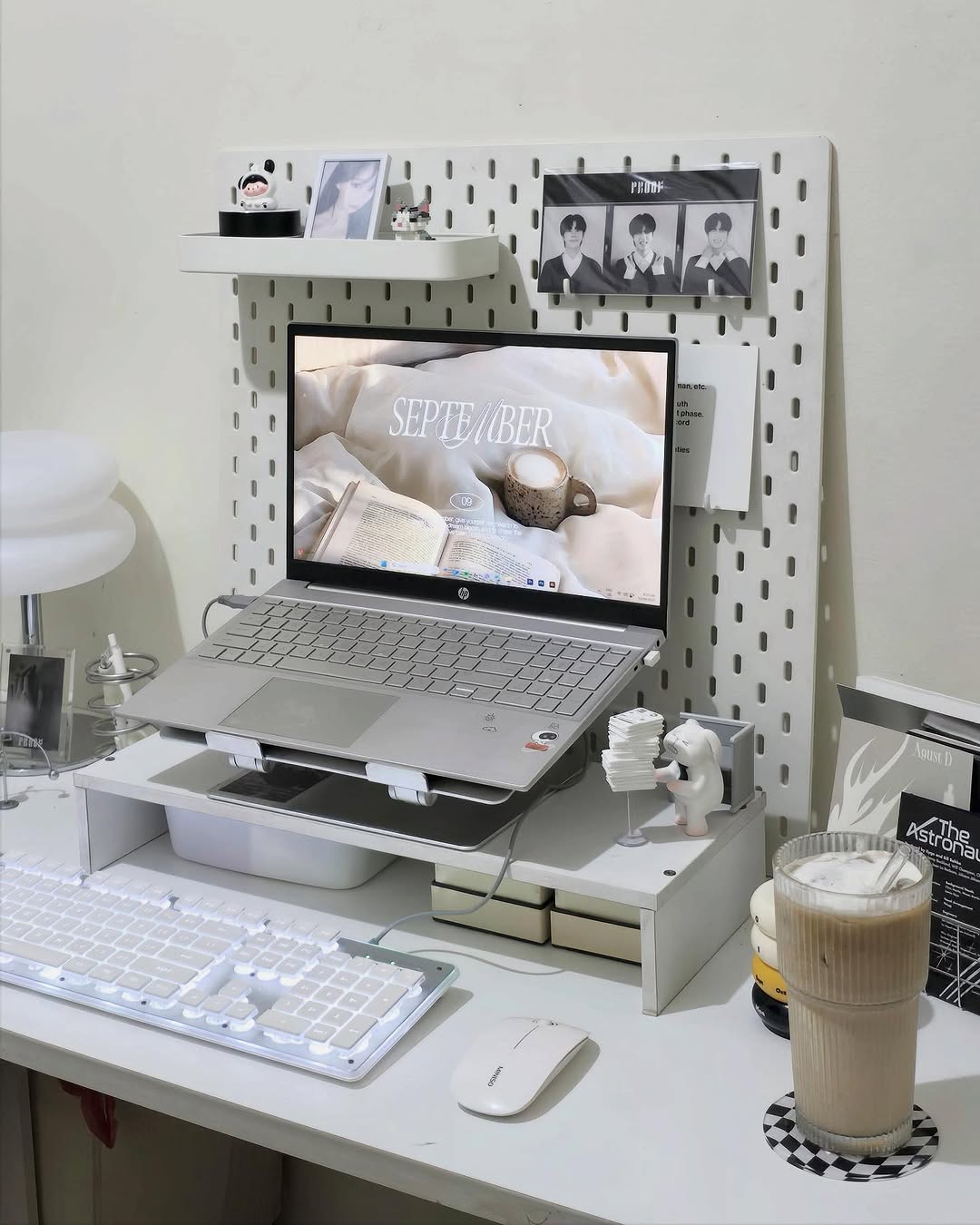
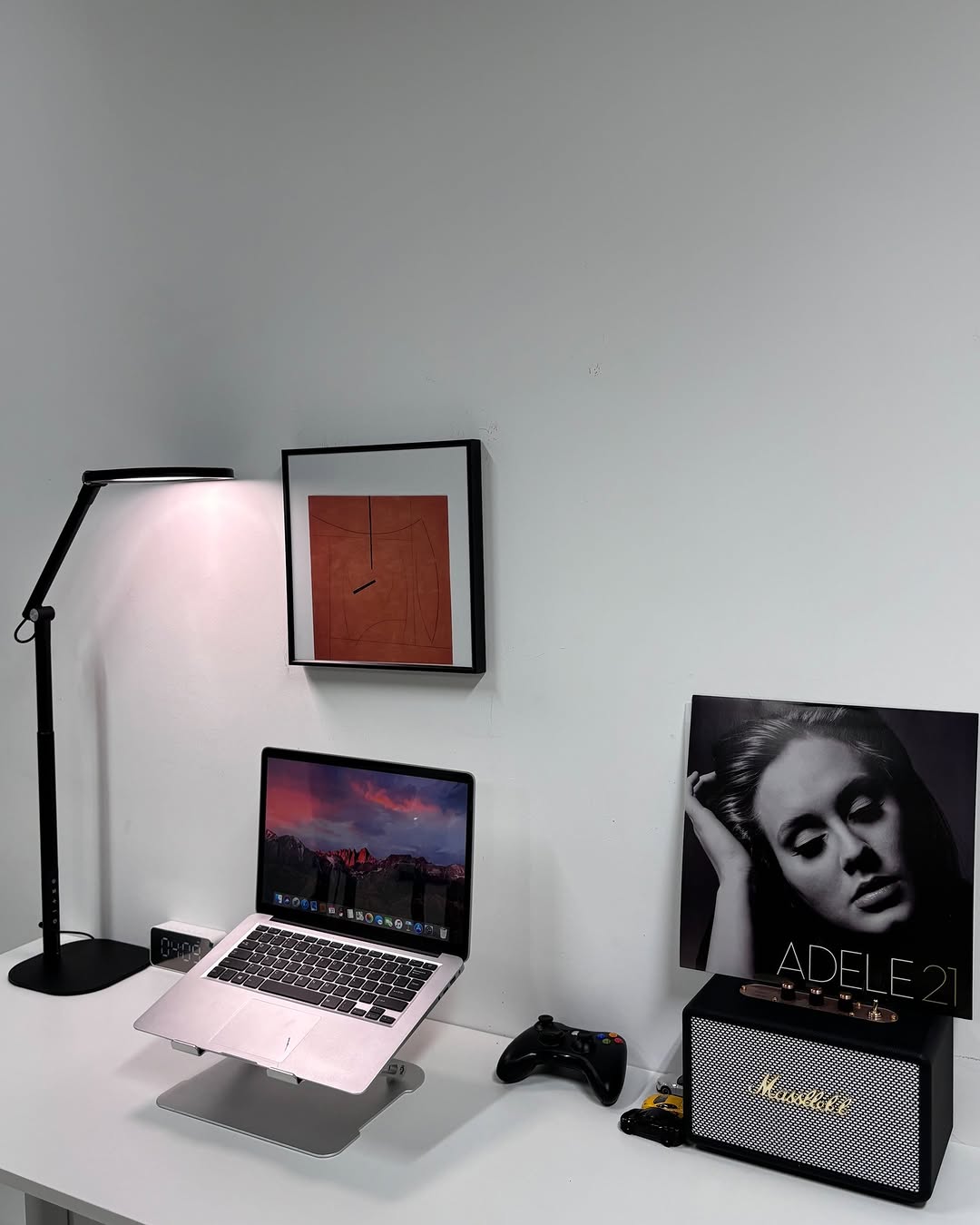
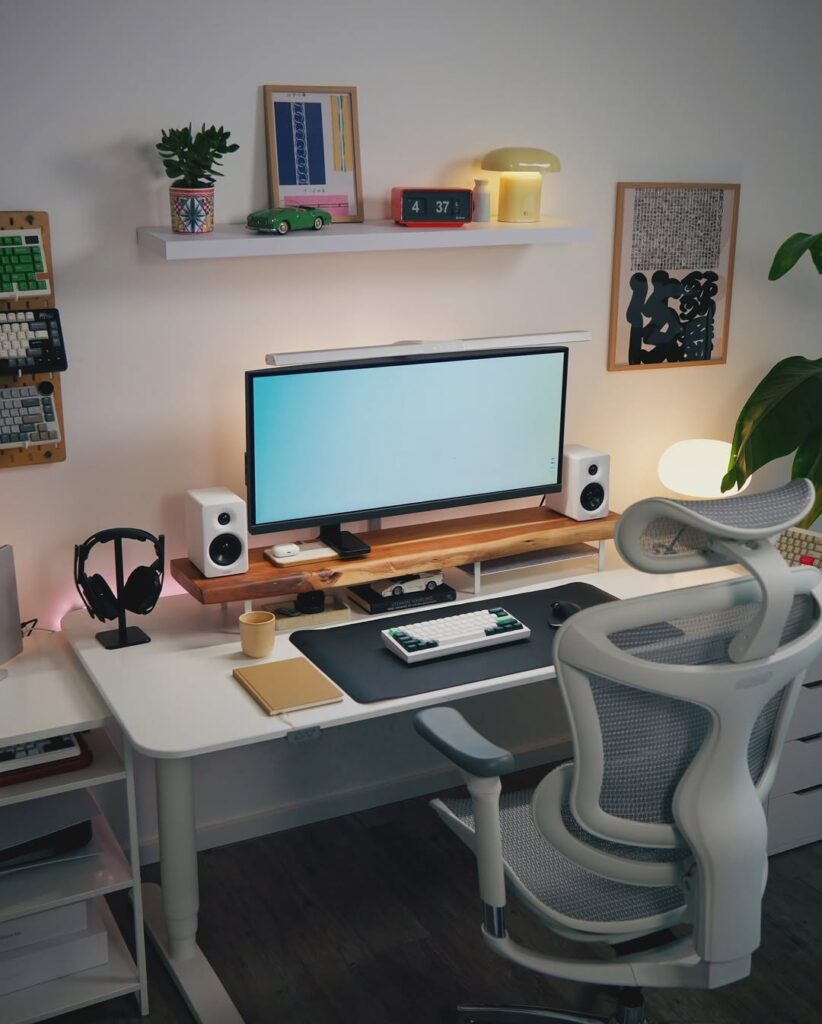
Wall-mounted shelves above your desk hold books, supplies, and decorative items without taking desk space. Pegboards create customizable wall organization with hooks and containers. Monitor stands raise screens to eye level while creating storage underneath.
Desk hutches add vertical storage if you have the desk for it. Floating shelves in corners maximize unused space. Magnetic boards hold papers and notes vertically.
Going vertical preserves your valuable horizontal workspace.
Filing and Paper Management
Desktop file organizers keep active papers accessible and sorted. Wall-mounted file holders save desk space. Expandable folders for different categories contain related papers together.
Scan and digitize when possible to reduce paper accumulation. Create a simple filing system with labeled folders. Process papers weekly so they don’t pile up.
Paper multiplies if not actively managed. Build systems to deal with it before it becomes overwhelming.
Supply Storage
Desktop organizers with compartments hold supplies you use regularly. Drawer organizers separate different supply types. Small containers corral loose items like rubber bands or sticky notes.
Store bulk supplies elsewhere and keep only immediate-use amounts at your desk. Label containers if their contents aren’t obvious. Use clear containers when possible for visibility.
Don’t keep supplies at your desk that you use once a month. Store those elsewhere and retrieve when needed.
Tech and Accessory Organization
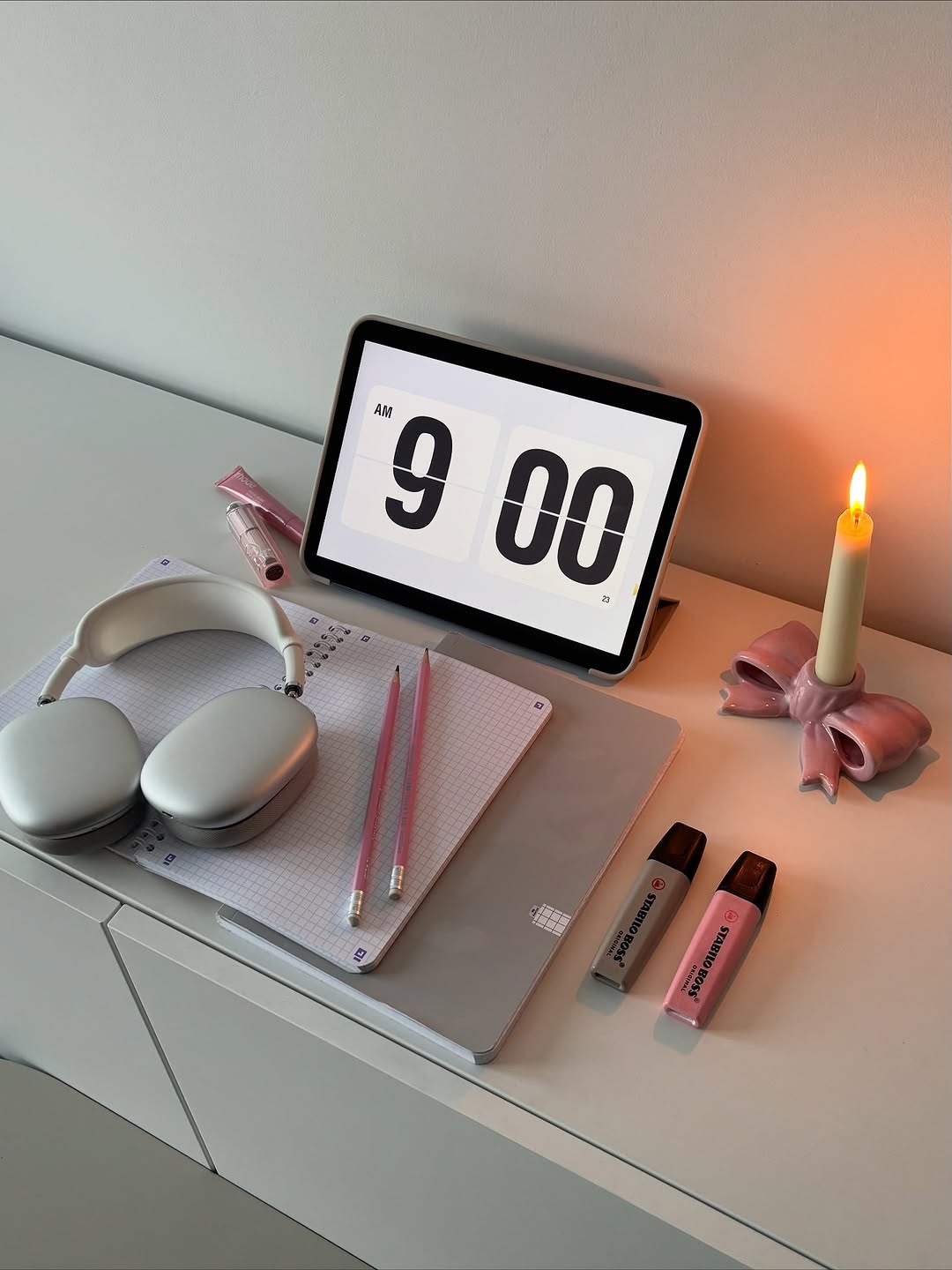
Charging stations consolidate phone and device charging in one spot. Headphone hooks or stands keep them accessible without tangling. Small trays or containers hold USB drives, SD cards, and small tech items.
Laptop stands improve ergonomics while creating storage underneath. Monitor arms free up desk space and allow positioning adjustments. Keyboard and mouse should have designated spaces when not in use.
Tech accessories proliferate quickly. Assign each item a home to prevent clutter.
Creating Zones
Designate areas of your desk for specific functions. A writing zone with pen holder and notebook. A computer work zone with your laptop or monitor. A reference zone with frequently needed materials.
This zoning prevents everything from mixing together into chaos and makes your workflow more efficient.
For Different Desk Types
Small desks need ruthless editing of what stays on the surface. Use vertical space extensively and store items elsewhere. Multi-functional items work better than single-purpose tools.
Large desks can accommodate more but still benefit from organization systems. Don’t just spread clutter across more space. Define zones and use organizers even with abundant room.
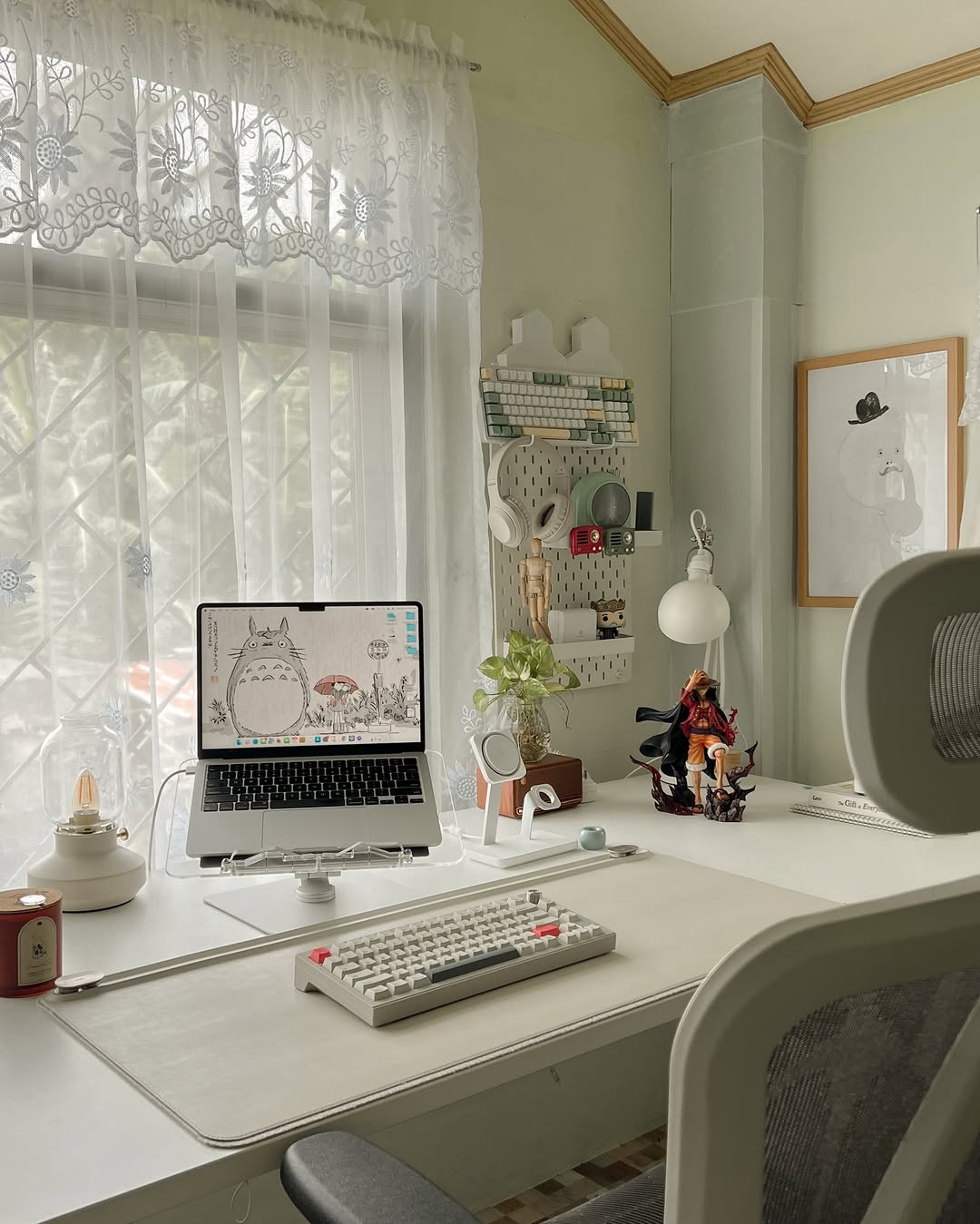
Corner desks utilize the corner space with specific organizers designed for corners. The shape creates natural zones for different activities.
Floating wall-mounted desks have no drawers so everything needs wall storage or containers on the surface.
Match your organization approach to your actual desk configuration.
Personal Items and Decor
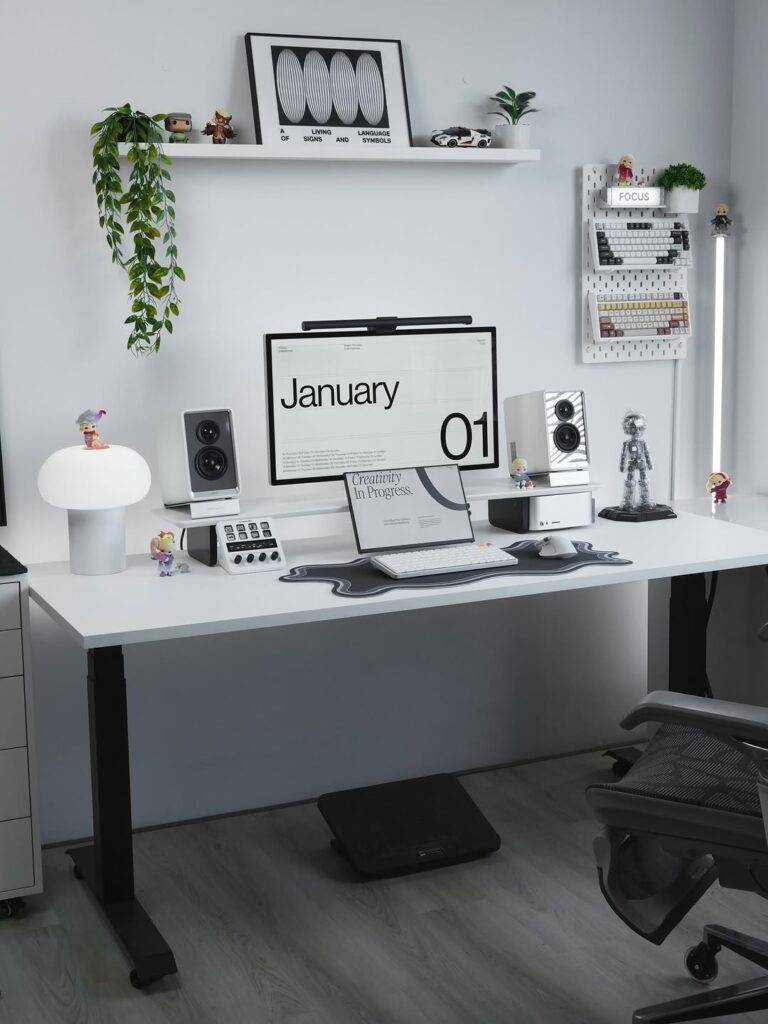
A few personal items make your workspace feel yours without creating clutter. One or two photos in frames. A small plant that doesn’t need constant care. Maybe one meaningful object.
Keep decorative items minimal so they enhance rather than overwhelm. Everything should be intentional, not random accumulation.
Your desk can have personality without being cluttered.
Maintaining Organization
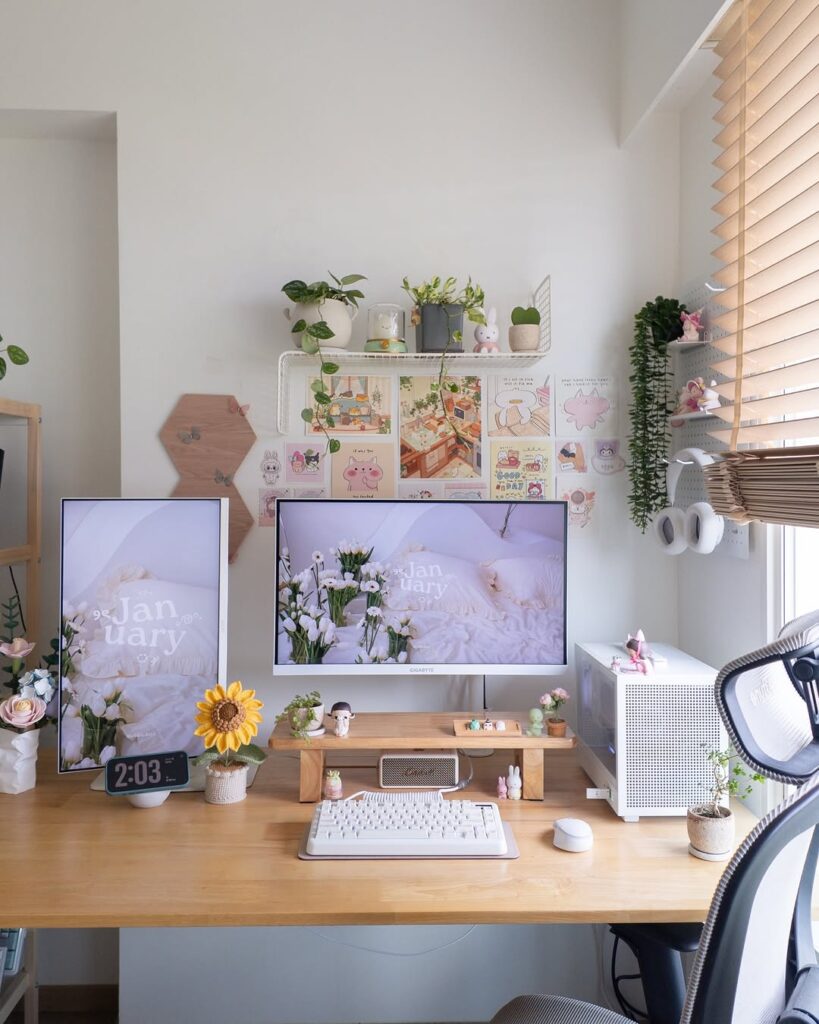
Daily reset takes two minutes at the end of each work session. Clear any papers or items that accumulated. Return supplies to their designated spots. Wipe down the surface.
Weekly deeper organizing addresses any drift from the system. Monthly assessment checks if the current organization is still working. Quarterly purging removes items no longer needed.
Organization only works if maintained. Build quick daily habits to keep it functional.
Budget-Friendly Solutions
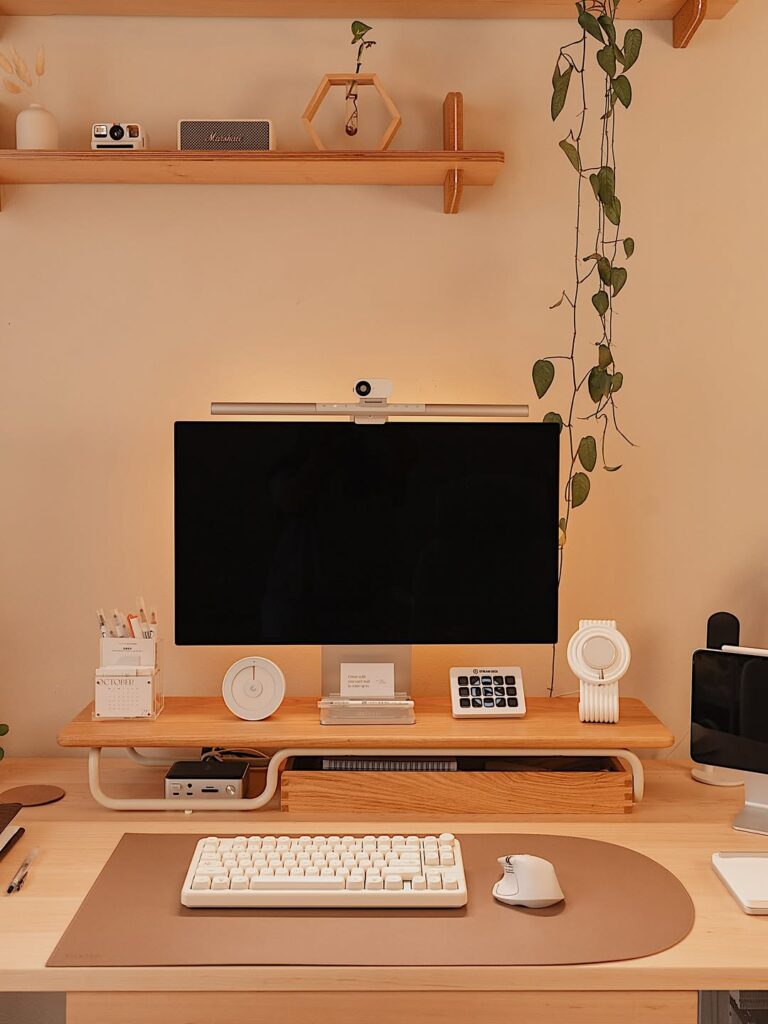
Repurpose food containers or jars for supply storage. Use shoe boxes covered in paper for drawer organization. DIY drawer dividers from cardboard. Shop dollar stores for basic organizers.
Before buying dedicated organizing products, see what you already have that could work. Many expensive desk organizers are just nice-looking containers you can replicate cheaply.
My entire desk organization cost under $30 because I used repurposed containers and budget organizers.
Digital Desk Organization
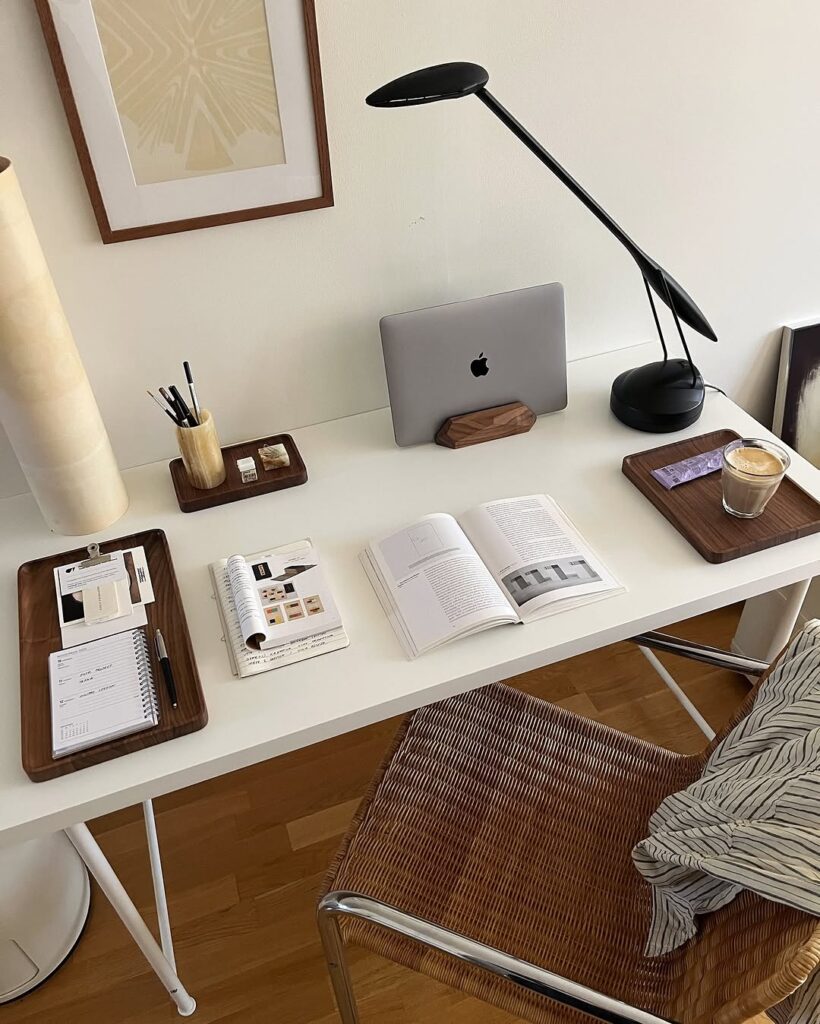
Organize your computer desktop the same way you organize your physical desk. Create folders for different categories. Delete unused files and shortcuts. Keep only essential items on your desktop.
Organize digital files with clear naming conventions and folder structures. Bookmark frequently used sites in organized folders. Use apps or tools to manage tasks and notes digitally.
Digital clutter creates the same mental weight as physical clutter.
Ergonomics Matter
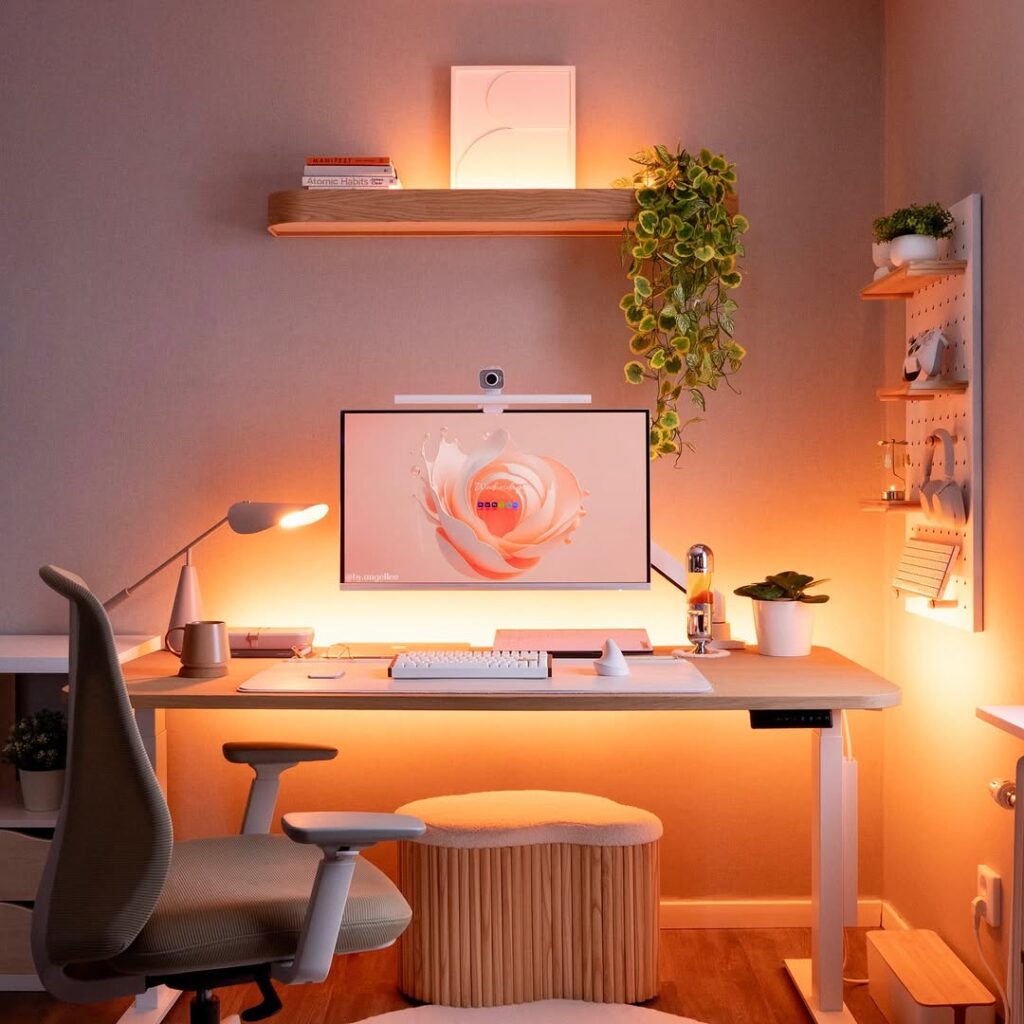
While organizing, consider ergonomics. Your monitor should be at eye level. Keyboard and mouse at a height that doesn’t strain wrists. Chair at proper height for your desk. Frequently used items within easy reach without stretching.
Good organization includes thoughtful placement for physical comfort and efficiency.
When You Share a Desk
Clearly define personal zones if sharing workspace. Use labeled containers for individual supplies. Create separate storage areas for each person. Establish shared responsibility for maintaining common areas.
Shared desk organization requires communication and cooperation to work.
The Productivity Connection
An organized desk reduces time wasted searching for things. It eliminates visual distractions that pull focus. Starting work feels easier when you sit down to a clean space. The mental clarity created by physical order genuinely improves focus.
This isn’t about being neat for the sake of neat. It’s about creating conditions where you can work effectively.
Finding Your System
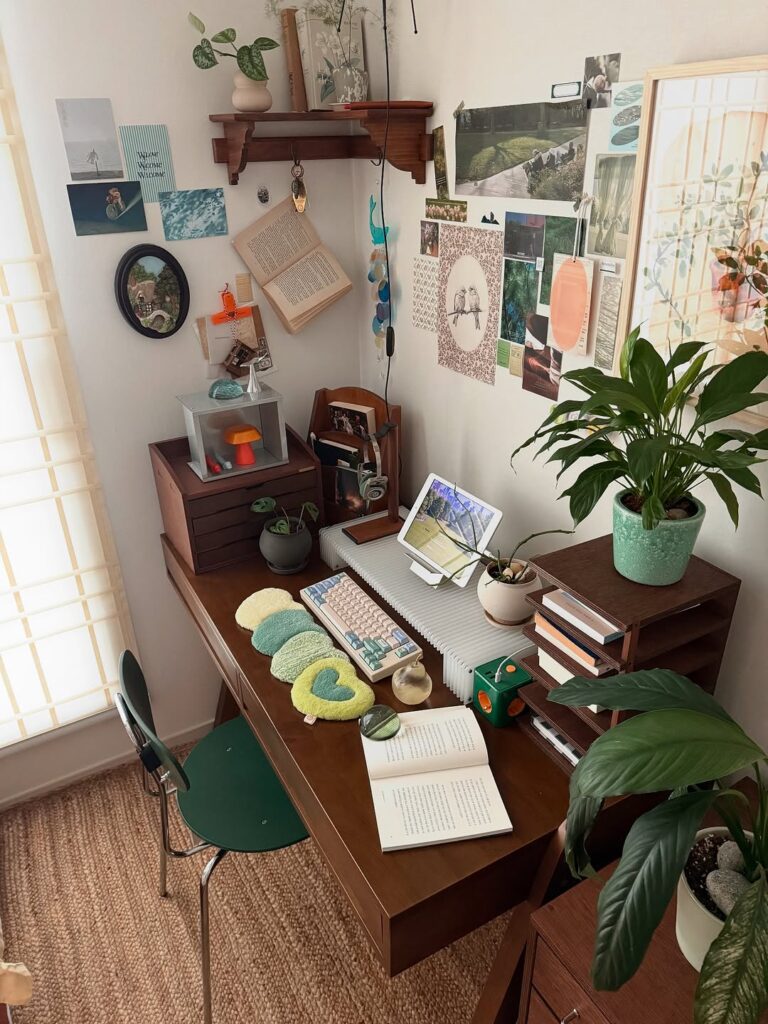
Some people thrive with everything visible. Others need it all hidden in drawers. Some prefer minimal desks while others like abundant but organized supplies.
The best organization system matches how you actually work, not some ideal from the internet. Experiment and adjust until you find what makes you most productive and comfortable.
Your desk organization should make work easier, not create another thing to stress about. Keep it simple, keep it functional, and keep it maintained.